
Bulk edit content on an individual page.
How to access page level features
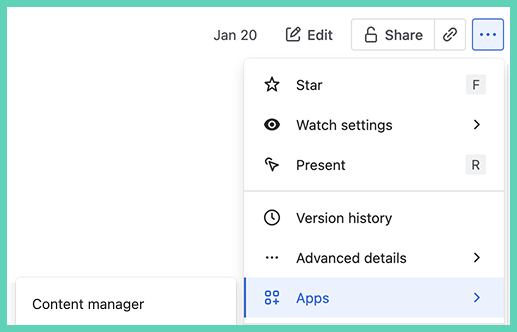
On any page select ‘More actions’ to open the pull down menu. Then scroll down and select ‘Apps’ then 'Space Content manager’.
Find and replace
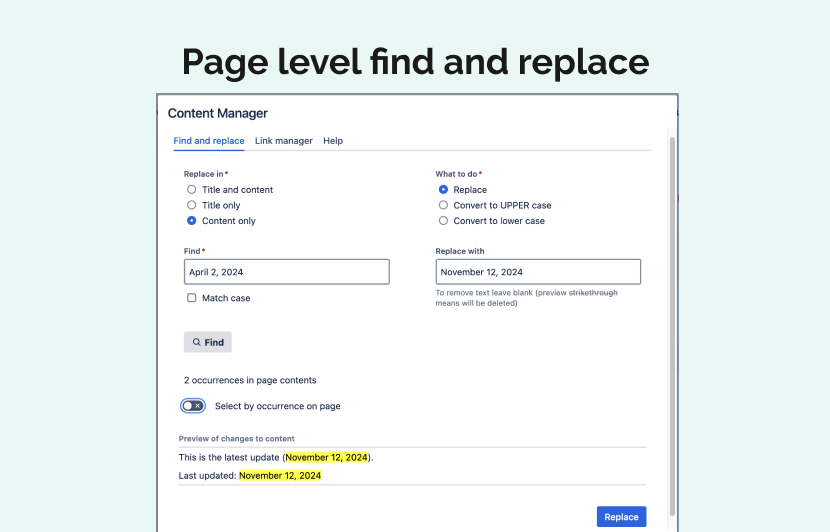
Use find and replace to bulk:
-
replace
-
remove
-
convert to UPPERCASE
-
convert to lowercase
Link manager
-
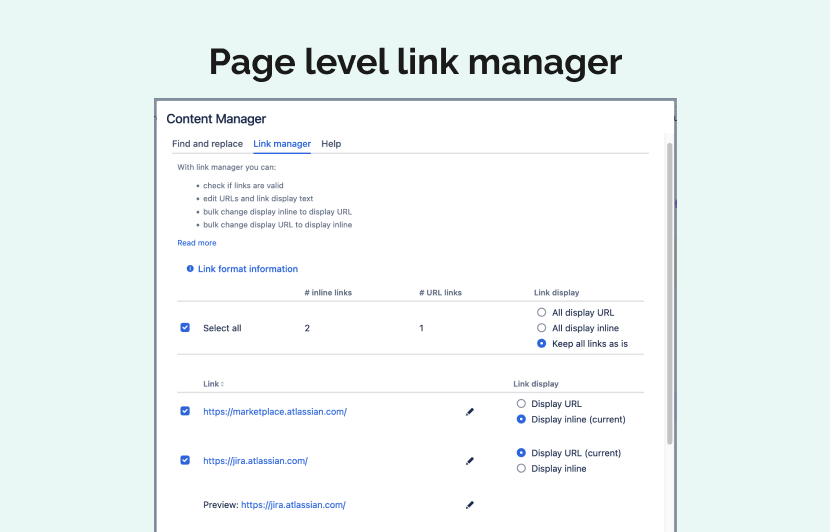
check if links are valid
-
edit URLs and link display text
-
bulk change display inline to display URL
-
bulk change display URL to display inline