Video 1:29: how it works using a use case
(as seen on the Atlassian Marketplace)
How to access Find and Replace once installed
Global page
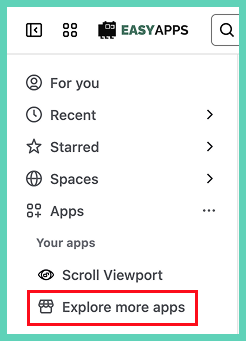
The best way to open the app is under Apps. It allows you to select multiple spaces and it is accessible from anywhere in Confluence.
Space level
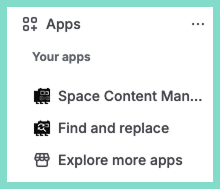
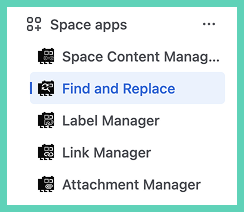
To use the app only for the current space open it in the left side menu, scroll down to ‘Space apps’.
Page level
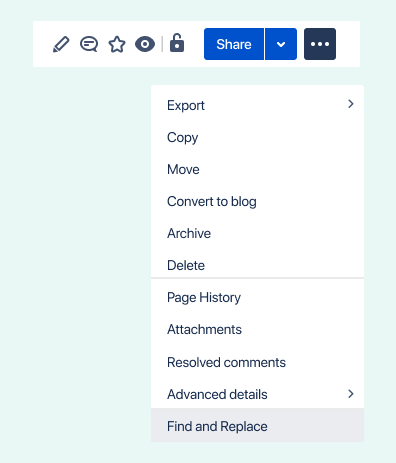
Under More actions in the top right of any page select Find and Replace.
Installing the app
Only a system administrator can install apps (sometimes called an add-on or plugin).
Install via the web
Go to the Atlassian Marketplace listing for Find and Replace.
Install within Confluence
Under apps select ‘explore more apps’.