

What you can do with find and replace URLs
Across spaces or per page
-
replace the underlying URLs
-
change URL display text
Only space administrators can change URLs.
How to access URL editing
Under Apps
When using Space Content Manager under ‘Apps’ select the tab 'Space admin features' select the spaces where you want to find the links.
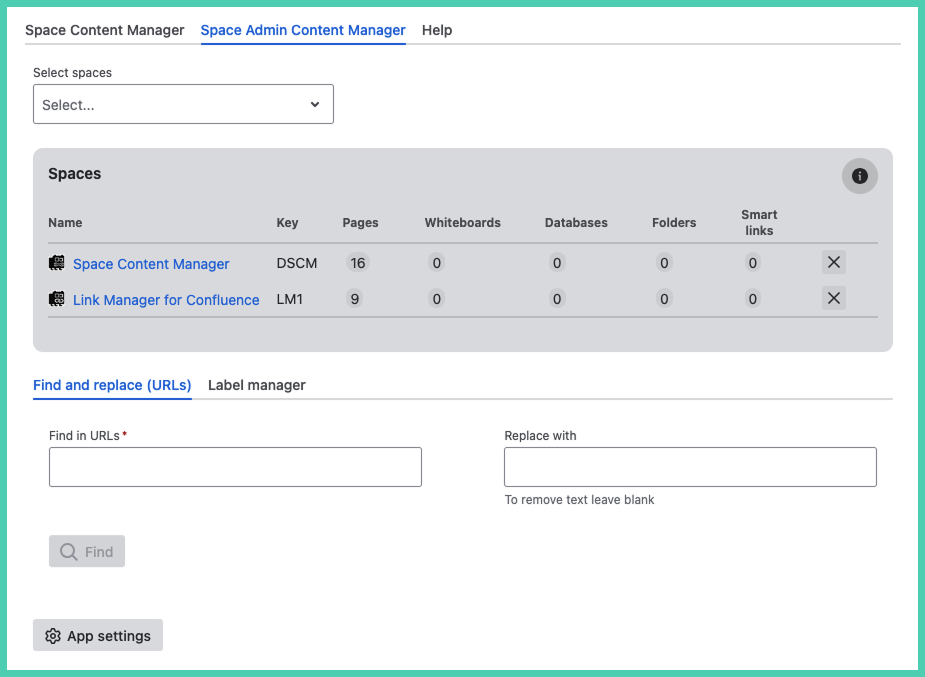
Under Space apps
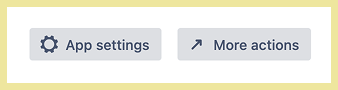
If you are using the app under ‘Space apps’ you need to click the ‘More actions’ button at the bottom. It will take you to space settings. Only administrators see this button as it is an admin only feature.
On the space level version administrators need to lick on ‘More actions’ at the bottom next to ‘App settings’.
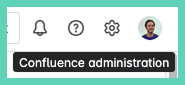
Or go directly to Confluence administration.
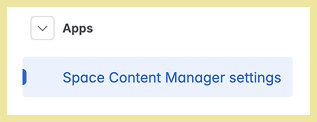
In the left side menu at the bottom under Apps → Space Content Manager.
How to bulk change URLs
Enter the terms to ‘Find in URLs’ and to ‘Replace with’. If replace is left blank the find term will be removed from the URL after clicking replace.
Click 'Find' to preview changes.
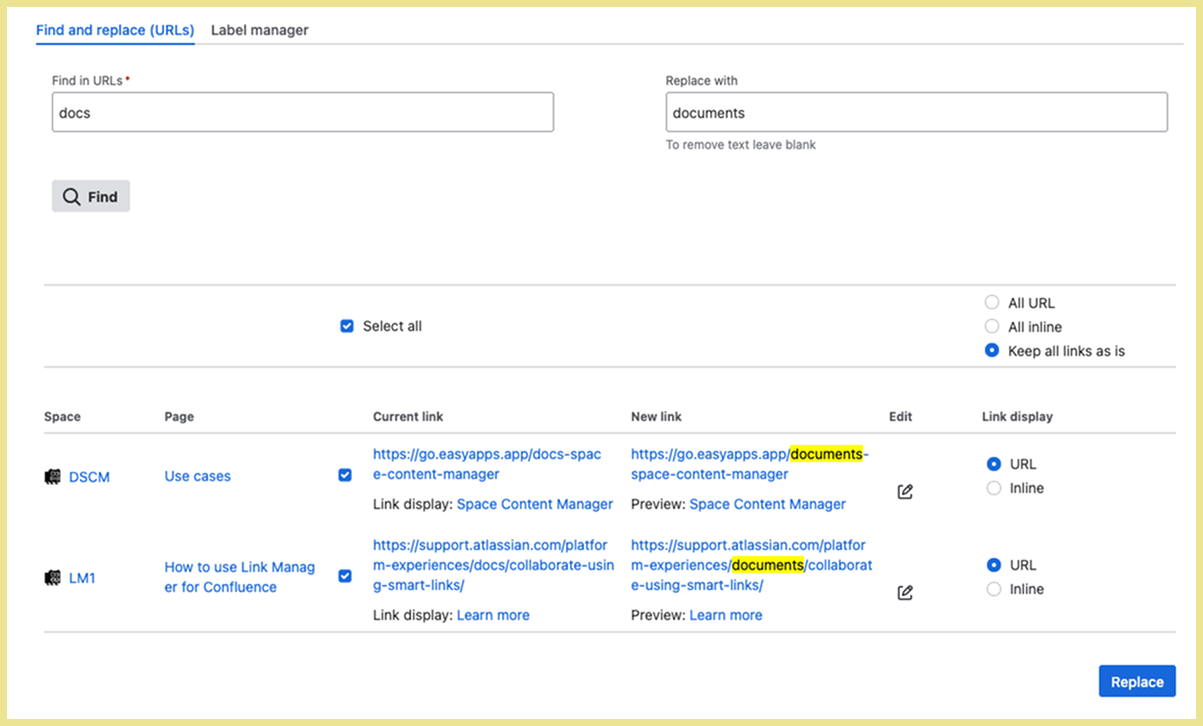
When you are happy with what you see in the preview click ‘Replace’.

The icon under status means it has successfully updated.

How to change URL display text
You have the option to edit the display text per URL.
-
select the edit icon for the URL display name you want to edit
-
edit what shows to the end user as a hyperlink on the page (display text)
-
click the check ✔️ icon to save
-
to cancel, deleting any edits, click on the ✖️ icon
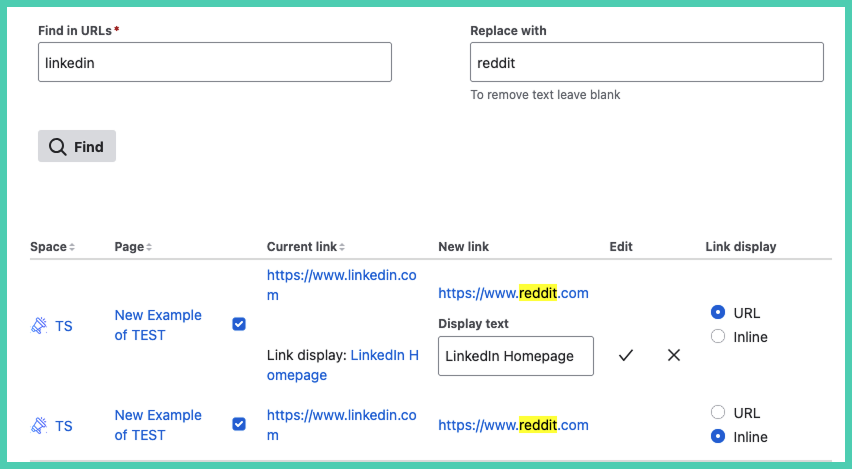
It is only possible to change display text per link. You cannot bulk edit display text, you can only bulk change the underlying URL.
When you are happy with what you see in the preview click ‘Replace’.
The icon under status means it has successfully updated.
Why does it still say ‘LinkedIn’ and not reddit? The underlying URL was changed. The display text is edited separately per link.