

How the app counts
Words are separated by spaces.
-
numbers count as words (e.g. 135 days = 2 words)
-
an email is one word
Pages types supported
-
Pages
-
Live Docs
Editing modes supported
-
edit mode
-
published mode
Pages types not supported
-
Whiteboards
-
Databases
-
Smart Link
-
Slides
Due to current Confluence API limitations.
Macros from the Atlassian Marketplace not supported
The text inside macros that come with apps downloaded from the Atlassian Marketplace are almost always not supported by Word Count. There could be exceptions, but they are so rare that we would call this a rule.
Why we are not being definitive is that there are thousands of third party macros and we have not tested each of them. For example, it is possible that a part of a text in a third party macro could allow counting.
Supported macros
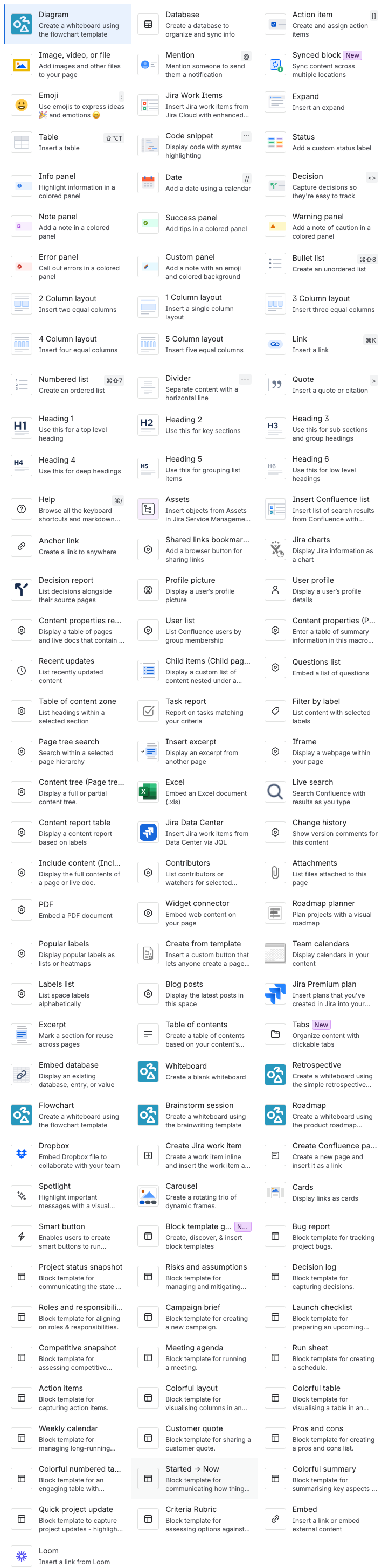
Counting text within native macros, meaning those build by Atlassian and that come with Confluence, allow counting and factor in page count.
Here is a list of the native Confluence macros as of October 27, 2026.
We have not tested all the macros below. It is possible that in some apps not every single character is counted.
Page count in header menu
As noted above the word and character count does not factor in third party macros. Therefore, the total number of words and characters in the header menu does not include text you have in third party macros.
Can’t see word count results
This is an Atlassian bug, we have reported it to Atlassian.
The context dialog sometimes opens somewhere on top of the page which is outside of the view of the user. It can look like the results are not working.